YouTube Music's Foldable Experience: What's New and How to Optimize It
YouTube Music fans who use foldable phones have often struggled with a user interface that doesn't take full advantage of the larger inner screen. Recent updates have finally addressed this issue, but many users may not realize they need to take a specific step to unlock the best experience. Below, we answer common questions about YouTube Music on foldable devices.
What was wrong with YouTube Music on foldable phones before the update?
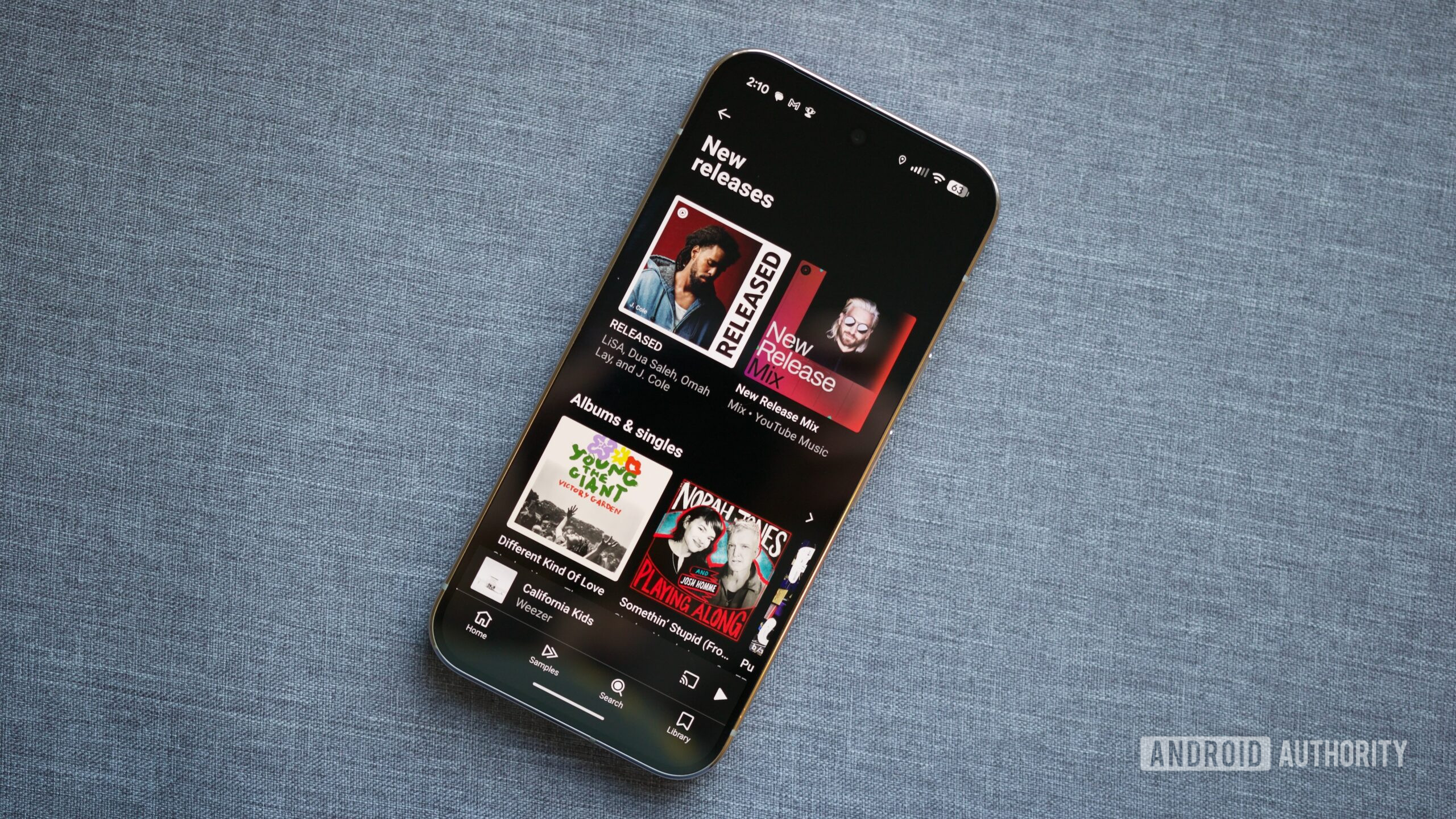
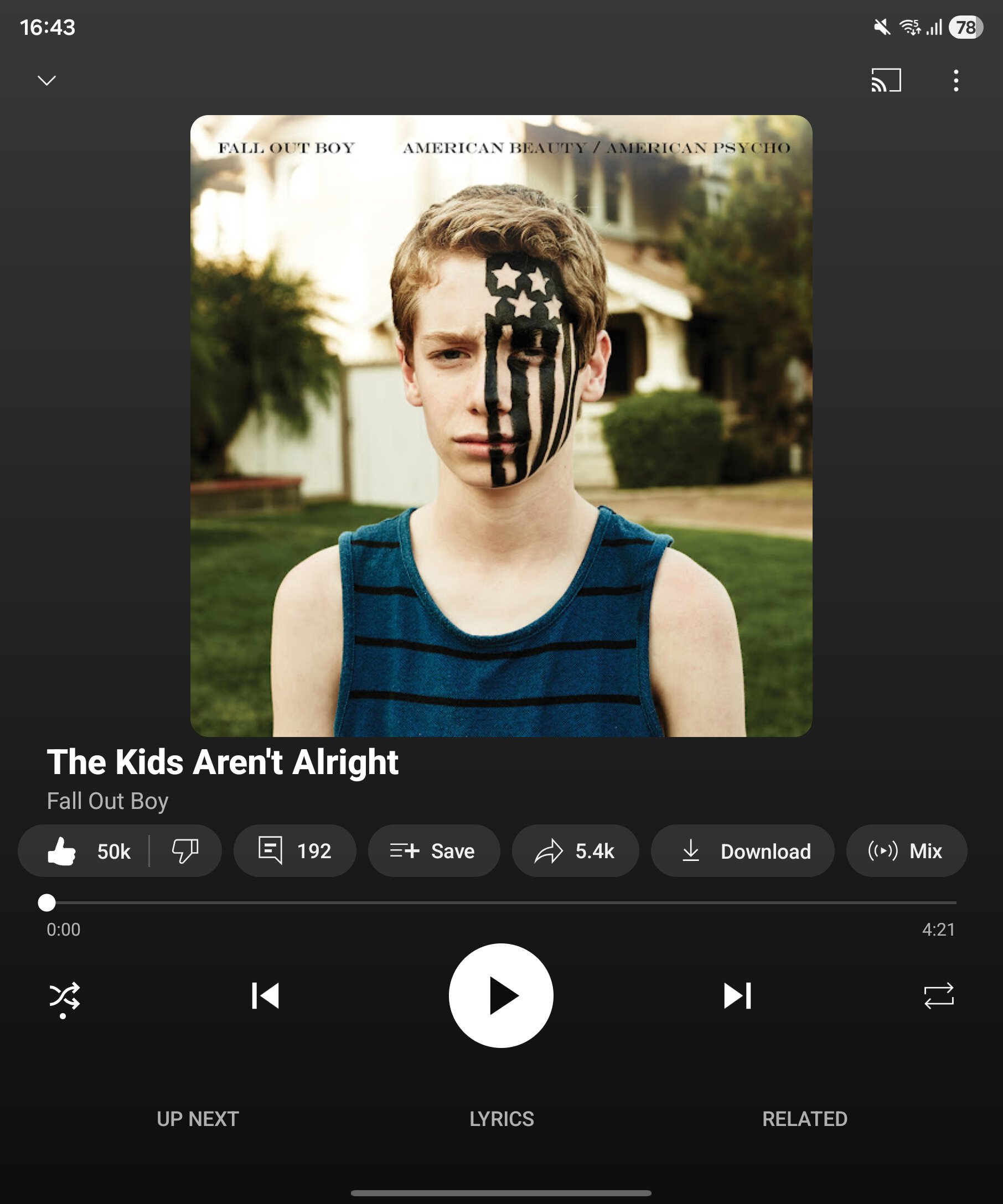
Prior to the latest UI refresh, YouTube Music on Samsung Galaxy Z Fold devices would simply stretch the standard smartphone interface to fill the larger display. This resulted in wasted screen space—big empty areas on the sides, with oversized buttons and album art that looked disproportionate. The app didn't adapt to the wide, tablet-like aspect ratio of the unfolded screen, making it feel like a blown-up phone app rather than a native foldable experience. Users had to manually rotate the phone to landscape mode just to see a slightly better layout, but even that was far from ideal. The lack of a multi-column view meant that browsing playlists, viewing the queue, or navigating the library was inefficient and clunky.
How did users previously work around this poor interface?
The only workaround was to rotate the foldable phone into landscape orientation. In landscape, YouTube Music would sometimes switch to a two-column layout that made better use of the width. However, this was inconsistent and often required toggling the rotation lock or physically turning the phone. Even then, the experience wasn't optimized—the queue and other panels still felt cramped. For many foldable users, this was a daily frustration, especially when comparing to apps like Spotify or Apple Music that already offered proper tablet interfaces. The lack of portrait-optimized foldable support was a notable gap in an otherwise excellent music streaming service.
What has changed in the recent UI refresh?
YouTube Music's now playing redesign now automatically detects when the phone is unfolded and presents a multi-column UI in portrait mode. On the left side, the album art or video visualizer remains large, while the right side displays the queue, playback controls, and related recommendations—all without rotating the phone. This makes navigation more efficient and visually pleasing. The update also streamlines the layout of the home screen and library tabs on foldables, giving you more information at a glance. It's a significant improvement that finally matches what other apps offer on devices like the Galaxy Z Fold 7.
Do I need to change any settings to get the new foldable UI?
No hidden toggle is required—the new layout appears automatically once you update YouTube Music to the latest version. However, some users report that the upgrade is rolled out gradually; if you don't see the change immediately, it may be because your app hasn't received the server-side switch yet. In that case, ensure you have the most recent update from the Play Store, and consider clearing the app cache or restarting your device. The setting is effectively the app version itself. There is no dedicated switch labeled "Foldable UI" in the settings menu.
Does this update work on all foldable phones or just Samsung?
The official rollout targets Samsung Galaxy Z Fold series devices first, but the underlying code likely supports any foldable running a recent version of Android. Users on the Google Pixel Fold, OPPO Find N, or Xiaomi Mix Fold have also reported seeing the multi-column UI after updating. However, the experience may vary: the app optimizes based on screen dimensions and aspect ratio, so some non-Samsung foldables might not get the exact same layout immediately. As YouTube Music continues to refine its foldable support, it's expected to expand to all compatible devices over time.
Is YouTube Music now the best music service for foldables?
With this update, YouTube Music becomes a strong contender. The multi-column UI in portrait mode eliminates the biggest complaint foldable users had. Combined with ad-free YouTube Premium benefits, a vast music catalog, and family plans, it offers excellent value. However, some rival apps like Spotify and Tidal still have more mature tablet integrations. YouTube Music's optimization is still evolving—for example, the library and search pages could use more polish. But for everyday listening and discovering new music, the new foldable UI is a major step forward and makes the service much more enjoyable on large screens.
How do I ensure I'm getting the best foldable experience with YouTube Music?
Start by keeping your YouTube Music app updated. Then, open the app on your foldable in portrait mode and play a song—you should see the redesigned now playing screen with two columns. If you still see a stretched layout, try these steps:
- Go to the Google Play Store and manually update the app.
- Clear the app cache from Settings > Apps > YouTube Music > Storage.
- Restart your phone.
- Check if your device is running the latest system software.
Once the new UI appears, you can also try landscape mode for a slightly different arrangement. The app now reliably adapts to both orientations without forcing you to rotate.
Related Articles
- Unifying .NET: MAUI Moves to CoreCLR in .NET 11
- Unlock Your Amazon Fire Tablet's Full Potential with Fire Toolbox
- React Native 0.84: All About the New Defaults and Performance Boost
- Swift on Android: A Comprehensive Guide to the SDK and Its Capabilities
- Google I/O 2026: Key Details, Livestream, and What to Expect
- Microsoft Unveils Pin Clustering for .NET MAUI Maps in Latest Preview
- 6 Ways Google's New 'Ask' Button Transforms Android Search
- 10 Essential Insights About iOS 27's New Safari Tab Management Feature